

Teaching Kids How to Use Technology Safely and Responsibly
Modern children grow up surrounded by technology. They use phones, tablets, smart TVs, and computers every day. Because of this exposure, teaching kids how to use technology safely and responsibly has become one of the most important parts of raising and educating children. Kids must understand how to protect their privacy, behave respectfully online, and identify risks. They also need guidance on building healthy digital habits.
This detailed blog offers a complete guide for parents, teachers, and caregivers. It provides strategies, examples, activities, and even visual suggestions. Additionally, it includes practical rules that families and classrooms can apply immediately.
Why Teaching Kids How to Use Technology Safely and Responsibly Matters
Children face new digital challenges. These include cyberbullying, online scams, excessive screen time, and unsafe online communities. Because of these risks, adults must guide children toward safe and responsible use. Even small actions, such as turning off location settings or choosing strong passwords, protect children.
Moreover, early lessons build lifelong habits. When kids learn responsible behavior now, they will use technology wisely as adults. Therefore, digital safety education should start early and continue through all grade levels.
Understanding the Core Principles of Teaching Kids How to Use Technology Safely and Responsibly
Below are essential ideas that every child must learn. These principles serve as the foundation for safer technology use.
1. Protecting Personal Information
Kids must understand that certain details should stay private. These include:
- Full name
- Address
- School name
- Phone number
- Daily routines
- Photos that reveal locations
Children often overshare because they trust strangers online. Teach them to pause before posting anything.

2. Thinking Before Posting
Explain that posts last forever. Even deleted content can be saved or shared by other users. Kids should always ask:
- Is this kind?
- Is this true?
- Would I say this face-to-face?
- Would I want a teacher or parent to see it?
This habit builds responsible online behavior.
3. Respect and Digital Manners (Netiquette)
Kids must learn how online words affect others. Teach kindness, empathy, and respect. Encourage kids to report rude or harmful messages to a trusted adult.
4. Recognizing Misinformation
Children often believe everything they see online. Teach them to:
- Check the website’s credibility
- Compare with other sources
- Look for author names and publication dates
- Avoid sensational headlines
This develops critical thinking.
5. Healthy Screen Time Balance
Technology is useful, but balance matters. Limit usage to avoid eye strain, sleep issues, and reduced physical activity. Create:
- Device-free zones
- Screen-free hours
- Outdoor breaks
Use timers to help kids manage time.
6. Using Tools Like Parental Controls
Parental control settings help block harmful content. However, explain to kids why these settings exist. Transparency builds trust and cooperation.
Age-Appropriate Strategies for Teaching Kids How to Use Technology Safely and Responsibly
Different age groups need different lessons. Below is an expanded guide.
Ages 3–6: Gentle Introduction
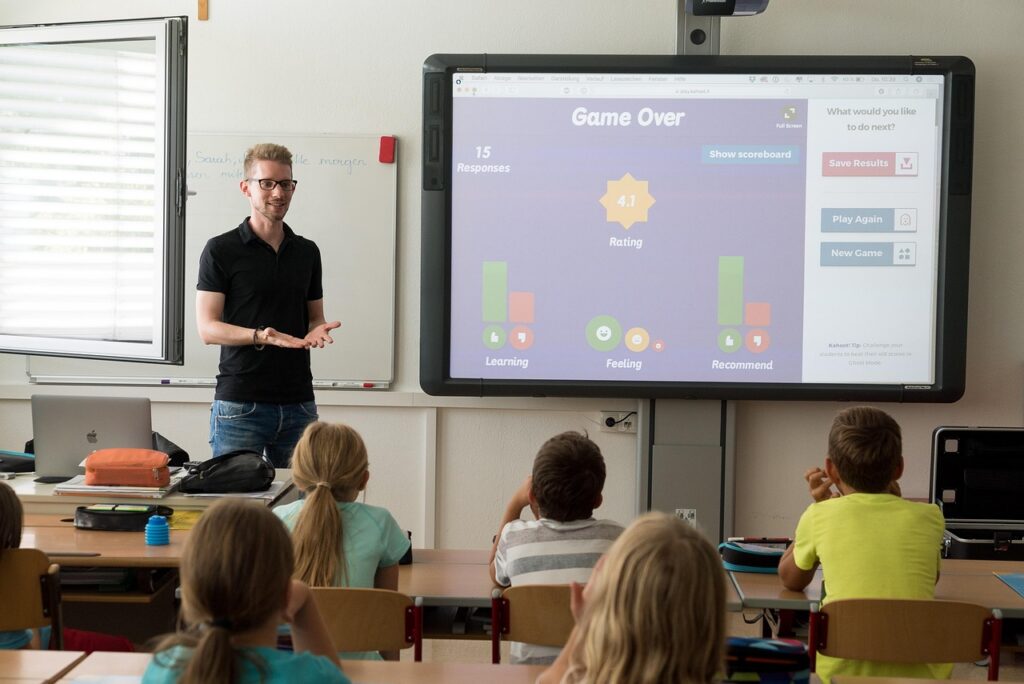
Children at this age learn visually and through repetition. Teach them:
- “Ask before you click.”
- “Only use apps chosen by adults.”
- “Stop when you see ads.”
Play simple safety videos. Use colorful classroom charts with symbols.
Ages 7–10: Building Strong Habits
Teach these children:
- Privacy basics
- Password safety
- Spotting suspicious messages
- Reporting uncomfortable content
Use worksheets, quizzes, and group games.
In Animated Ideas, we offer free printable worksheets for kids that you can use to support these tech-safety lessons.
Ages 11–14: Developing Critical Thinking
Older children can understand digital footprints, misinformation, and online identity. Teach them to:
- Analyze media
- Question online trends
- Understand online manipulation
- Use safe communication platforms
Ages 15–18: Preparing for Real-World Digital Life
Teenagers must learn:
- Long-term consequences of posts
- College and job impact
- Online reputation
- Responsible content creation
- Safe online relationships
- Ethical use of AI and digital tools
Encourage teens to reflect on their online presence.
Practical Lessons, Activities, and Projects
1. Digital Passport Activity
Students list apps they use and add privacy rules for each.
2. Internet Scam Detection Game
Show real vs. fake messages. Students choose which is safe.
3. Create a Digital Citizenship Poster
Students summarize online rules through art.
4. Family Technology Contract
Parents and children sign agreed rules, limits, and schedules.
Essential Digital Tools for Safe Technology Use
- Child-friendly search engines
- App permission checkers
- Two-factor authentication apps
- Screen time management tools
- Safe browsers for children
Demonstrate each tool through screenshots or short videos.
Sample Family or Classroom Technology Rules
- Use devices only in shared areas.
- Ask before installing apps.
- Never chat with strangers.
- Use first names only.
- Tell an adult if something feels wrong.
- No devices during meals or bedtime.
Responding to Problems or Incidents
Teach kids to:
- Stay calm
- Avoid replying
- Save screenshots
- Report to an adult
Then guide them through the platform’s reporting tools.
Conclusion
Teaching kids how to use technology safely and responsibly is more important than ever. Technology offers incredible opportunities for learning, creativity, and connection, but it also presents risks if children are not guided properly. By introducing digital safety lessons early, modeling responsible behavior, and maintaining open communication, parents and teachers can help children navigate the online world with confidence.
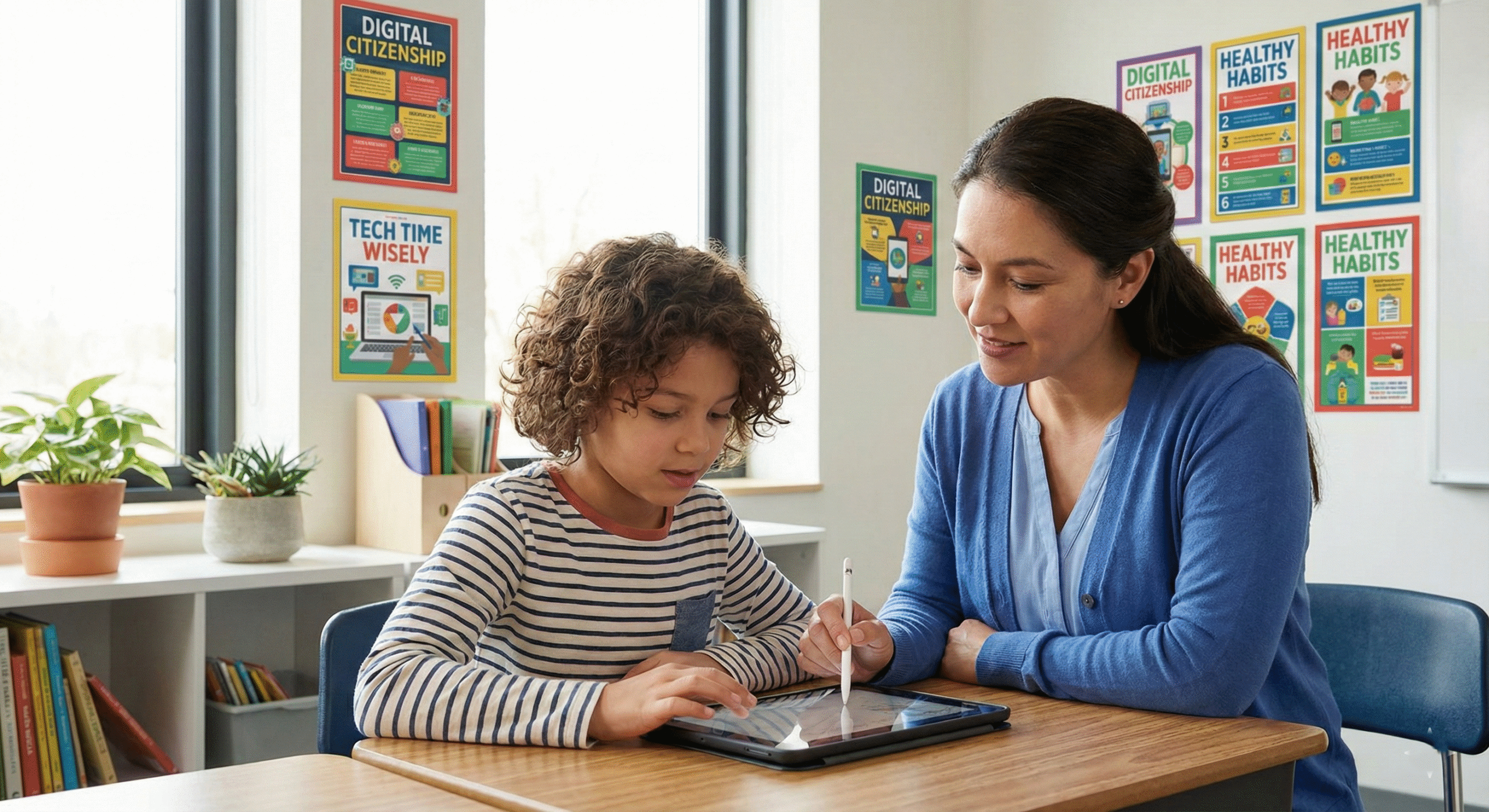
Moreover, teaching these skills is not a one-time activity. As children grow, they encounter new apps, social platforms, and digital challenges. Therefore, lessons and rules should evolve with their age and understanding. Activities like digital passports, family tech contracts, and classroom discussions help reinforce these habits while making learning interactive and engaging.
Ultimately, when children understand privacy, respectful behavior, critical thinking, and healthy screen time limits, they gain lifelong skills. These skills allow them to enjoy technology safely, make smarter choices online, and become responsible digital citizens. Encouraging curiosity, modeling good digital behavior, and supporting children when mistakes happen will ensure they can use technology as a tool for learning, creativity, and growth while avoiding harm.
Teaching kids how to use technology safely and responsibly creates a strong foundation for their digital life, empowering them to thrive in an increasingly connected world.